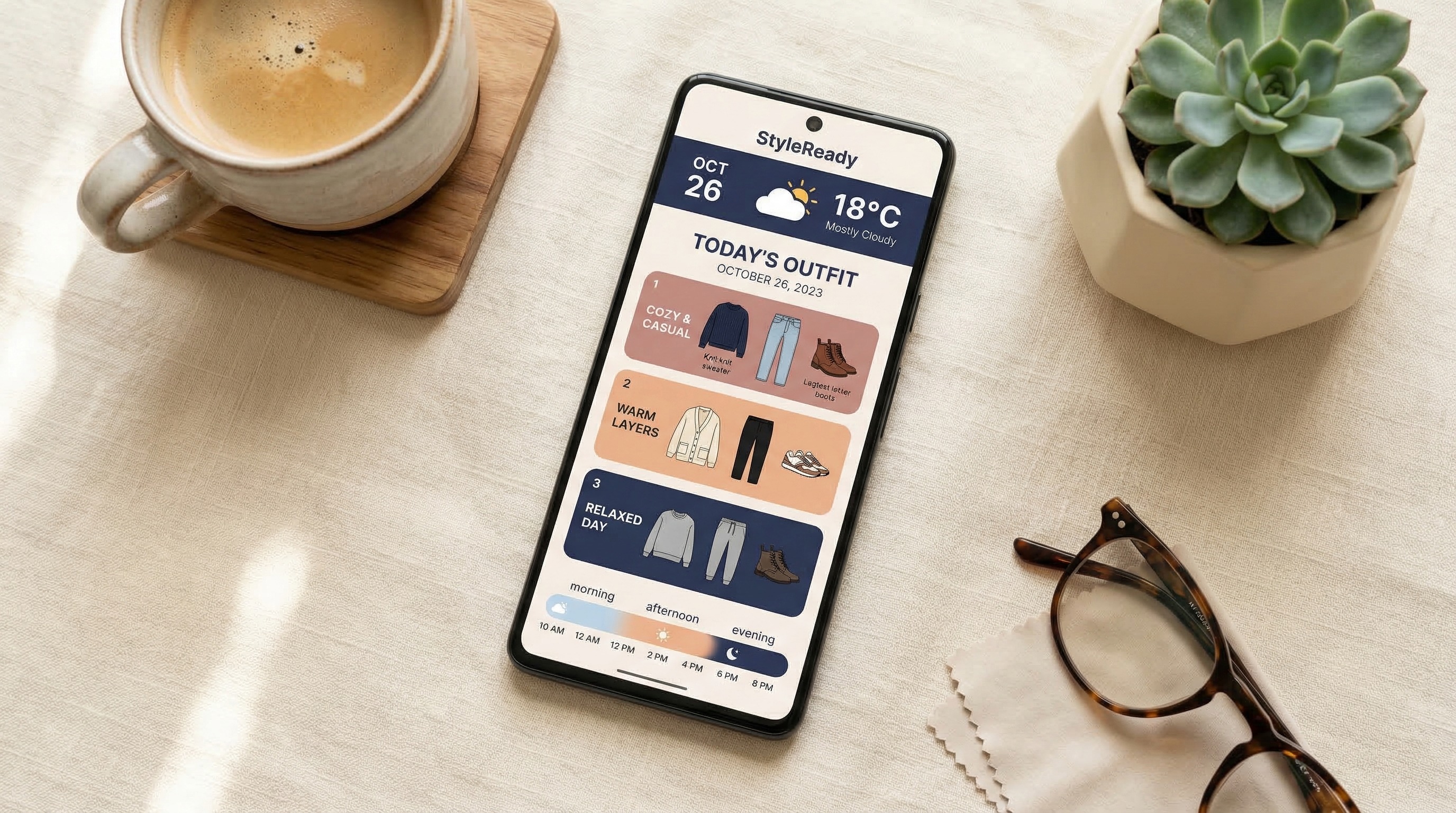
The outfit planning app market has exploded. What used to be a niche category with a handful of basic closet organizers now includes AI-powered styling engines, weather-integrated outfit builders, and apps that learn your personal style over time. Some are genuinely useful. Many are not. The difference comes down to a few key features that separate apps that actually solve the "what should I wear?" problem from apps that just look good in screenshots.
Whether you're evaluating Dresr or any other option, here are the eight features that matter most — and the questions you should ask before committing your time to any outfit planning app.
The 8 Features That Actually Matter
The most important feature in any outfit planning app is how it uses weather data. Showing you the current temperature is what your weather app already does. A good outfit app should analyze the full day's forecast hour by hour, including temperature swings, wind chill, humidity, UV index, and rain timing. The difference between a 62°F calm morning and a 62°F windy afternoon with rain at 5 PM is the difference between a light shirt and needing a windproof jacket with water-resistant shoes. If the app only uses the daily high and low, it's giving you incomplete advice.
Generic suggestions like "wear a light jacket" aren't helpful when you own four jackets and need to know which one. The best outfit apps let you add the clothes you actually own — by category, color, and material weight — and then recommend specific items from your closet. This is the line between an outfit planning app and a glorified weather app with clothing icons. If the app can't tell you "wear your olive field jacket" instead of "wear a jacket," it's not solving the real problem.
AI outfit recommendations are only useful if you trust them. The best apps don't just tell you what to wear — they tell you why. "Rain is likely at 5 PM, so leather boots handle wet pavement better than canvas sneakers" is infinitely more useful than just seeing boots appear in your outfit. Explanations build trust, help you learn to dress better on your own, and let you make informed swaps when the AI gets it wrong. If an app gives you an outfit with no explanation, you have no way to evaluate whether it's actually a good choice for your day.
Your wardrobe is personal. Before you add 50 clothing items with photos to any app, ask: where does this data go? Some apps upload everything to their servers. Others keep data local on your device. The ideal approach stores wardrobe photos locally (never uploaded) while syncing only item names and categories for backup and AI recommendations. Check the app's privacy policy for specifics about what data leaves your device, who has access to it, and whether it's used for advertising or sold to third parties.
Everyone's body runs differently. Some people overheat easily and need lighter layers. Others are always cold and want the app to recommend warmer options. A good outfit app should learn from your daily feedback — thumbs up or thumbs down on each recommendation — and adjust future suggestions accordingly. After two weeks of use, the app should feel like it knows your style. If the recommendations feel the same on day thirty as they did on day one, the AI isn't actually learning.
Outfit planning doesn't stop at your daily commute. If you travel — even occasionally — the app should let you search a destination, see the forecast for your trip dates, and generate a packing list from clothes you actually own. This is where the wardrobe integration pays off the most: instead of generic packing advice, you get a specific list of items from your closet that covers the full range of weather you'll encounter. Apps without travel mode force you to manually check the weather and guess what to pack.
An outfit planning app is only useful if you actually finish setting it up. If the onboarding process takes 45 minutes of photographing every garment in your closet, most people will quit before they see any value. Look for apps that let you add wardrobe items quickly — selecting from predefined categories and item types rather than requiring individual photos of every piece. You can always add detail later. The first session should take 10-15 minutes and give you usable recommendations immediately.
Outfit planning is a daily utility, not a luxury purchase. Be cautious of apps charging $10/month for basic wardrobe management — that's $120/year for an app that suggests your clothes back to you. The best apps either offer a generous free tier that covers daily outfit planning or charge a reasonable one-time price. Subscriptions can make sense for premium AI features, but the core functionality — weather check, wardrobe scan, outfit suggestion — should be accessible without a paywall. If the free tier is so limited that it's essentially a demo, the app is optimizing for revenue over value.
Red Flags to Watch For
Beyond the features above, there are a few warning signs that an outfit planning app isn't worth your time. If the app requires a subscription before you can even try it, the developers aren't confident enough in the product to let it sell itself. If the "AI" recommendations feel completely random and don't improve over time, it's probably not real AI — it's a randomizer with a marketing label. If the app asks for permissions it shouldn't need (contacts, microphone, background location tracking), it's collecting data for purposes beyond outfit planning. And if the app has no privacy policy or the policy is vague about data handling, treat that as a dealbreaker.
How Dresr Stacks Up
We built Dresr specifically around the features described above because we were frustrated by what was available. Here's how we approach each one: Dresr analyzes the full hourly forecast including temperature, wind, humidity, UV, and precipitation timing — not just the daily high and low. It recommends specific items from your actual wardrobe, with AI that explains why each piece was chosen. Your wardrobe photos stay on your device and are never uploaded. The AI learns from your thumbs-up and thumbs-down feedback every day. Travel Mode generates packing lists from your own closet for any destination. Setup takes about 10 minutes. And it's completely free — no subscription, no ads, no premium tier.
We're not the only option, and different people have different priorities. But if weather-aware outfit planning from your own wardrobe is what you're looking for, we built Dresr to be the best answer to that specific problem.
The best outfit planning app is the one you'll actually open every morning. Look for weather depth, wardrobe personalization, and transparent AI — and ignore everything else.
Quick checklist before downloading any outfit planning app: Does it use hourly weather (not just temperature)? Does it recommend from your actual closet? Does the AI explain its choices? Are your photos stored locally? Does it learn from your feedback? Does it have a travel/packing feature? Can you set it up in under 15 minutes? Is the pricing fair? If the app checks all eight boxes, it's worth your time.